|
Frogs teach French! |
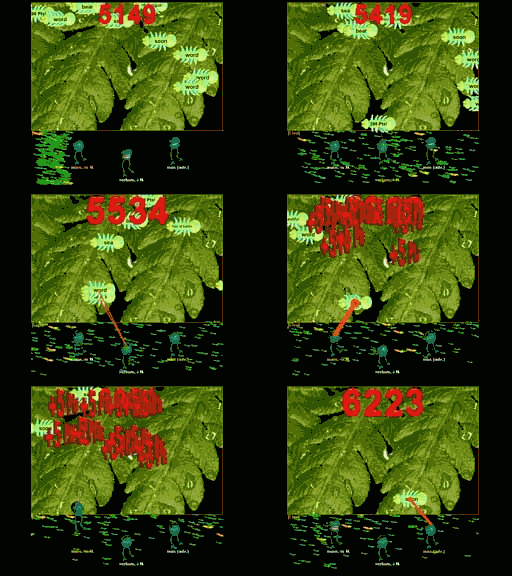
French students and French teachers can opt to share controls at any level if desired. You want to teach French at the level appropriate for any level of learning, and you can easily accomplish this with this French software. If you want to control the program difficulty settings with one click, you use the simple single click slider to set difficulty over a wide range of software parameters. If you want to drill down to nitty gritty details of game performance and statistical algorithmic learning optimizations, use the Advanced Options manager. You can even save game parameter settings to recall or have students use. Are some students learning French in your classroom having more trouble than others, but they all need to learn the same French lessons? ItÕs easy, make the French lesson the same, but make custom game parameter settings to that you can teach French equally well to all your students equally. Password enable teacher only settings, or let the students control the game settings, while you control the French lesson content. The possibilities are endless.
Hear French spoken aloud to learn French pronunciation. As always, Windows software lets you hear French words spoken to hear correct pronounciation so you can practice speaking French too if you want. You can add your own French spoken words and phrases and make your own recordings to make this an even more valuable French resource for homeschool French instruction or the classroom.
|
Frogs teach French! |
New v6.0 Hungryfrog educational software online program games for Windows Vista is now available as a free download teaching Math, Chemistry and French Spanish German Italian and Latin and Homeric Greek. Manuals on-line for v6.0 German Language Games and Latin Language Games and Spanish Language Games.